
5S keret - a táblán lévő dokumentumok szabványosítása
A legtöbb táblán négy mágnes tartja össze az oldalakat. Négy, mert hárommal az egyik sarka felkunkorodik. Valaki elmegy mellette, elkapja az ingujjával, a mágnes leesik, és az oldal utána repül. Valaki más közvetlenül a táblára másolja a szöveget egy szárazon radírozható filctollal, hogy ne babráljon a mágnesekkel, de ilyenkor lehetetlen elolvasni, a szöveg megváltozik, és az információk másolása több időt vesz igénybe. Előfordul, hogy az oldalakat laminálják vagy leragasztják. Minden állomás kidolgozza a saját módszerét, és együttvéve nem vezetnek rendhez.
Mi az 5S váz, és miért érdemes azt használni négy mágnes helyett?
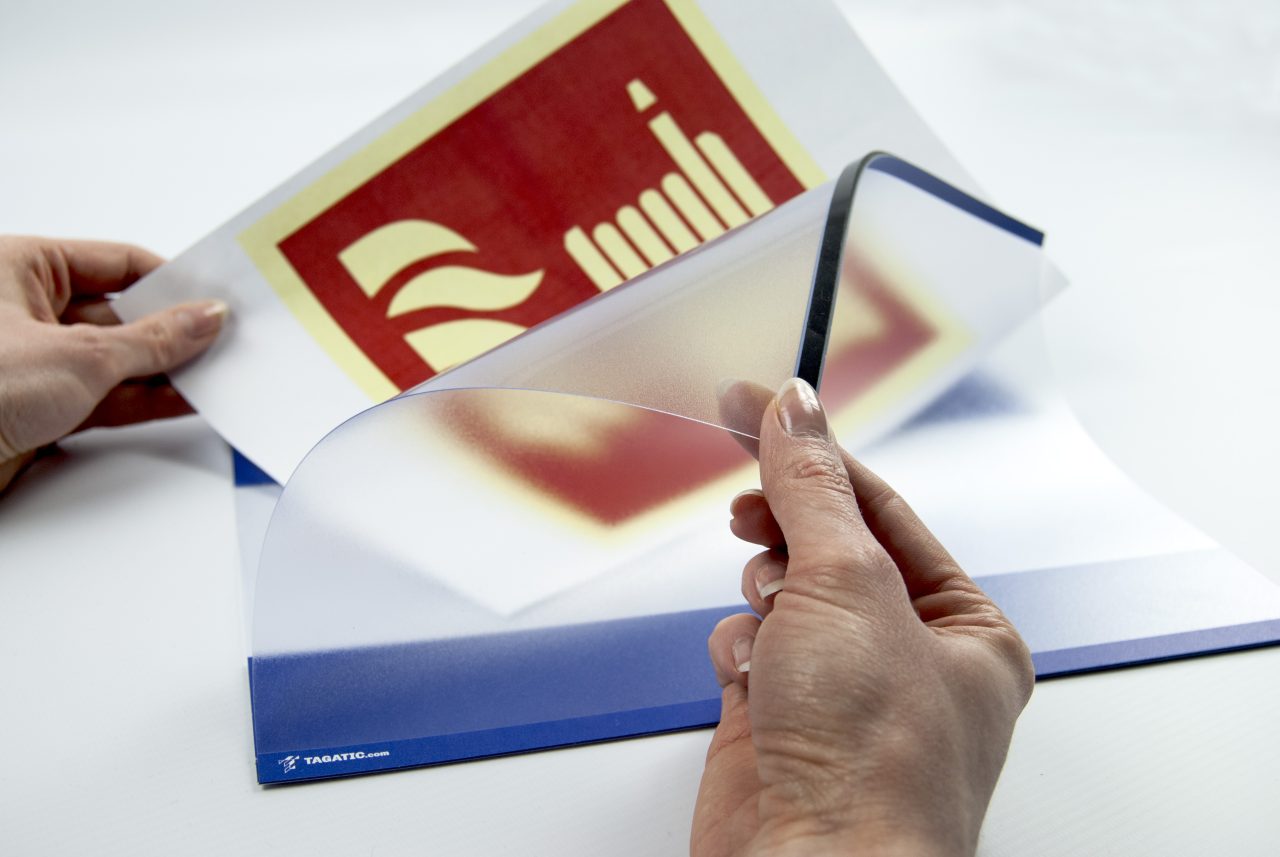
Az 5S nyitókeret egy kiegészítő szárazon törölhető táblákhoz és más felületekhez. Lehetővé teszi dokumentumok, utasítások vagy tervek olyan módon történő megjelenítését, amely könnyen látható, olvasható és védve van a véletlen sérülésektől vagy elvesztéstől. Ahelyett, hogy mágnesekkel rögzítene egy papírdarabot, vagy filctollal írna rá, egyszerűen behelyezi a keretbe, becsukja, és biztos lehet benne, hogy ott marad, ahol a helye.
Hogyan épül fel és miért fontos
A keret két réteg vékony, átlátszó PVC-ből áll, tükröződésmentes bevonattal, az egyik oldalon véglegesen összeillesztve és mágneses zárral rögzítve. Ennyi az egész. Nincsenek zsanérok, csavarok vagy reteszek.
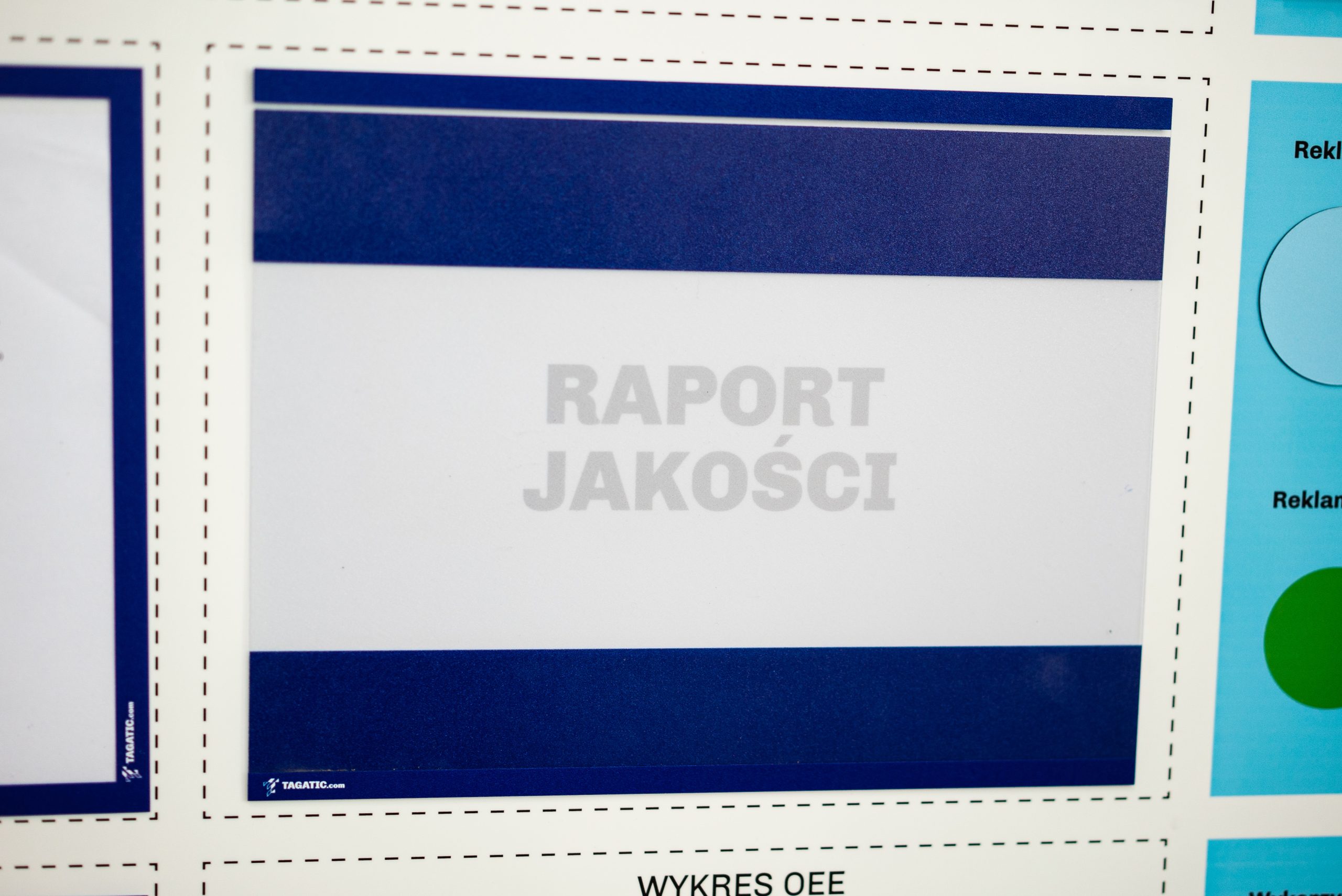
Az átlátszó anyag teljes felületén lehetővé teszi, hogy átlássunk a kereten, hogy mi van mögötte. Amikor a keretet egy olyan táblára akasztjuk, amelyen egy nyomtatott felirat szerepel, például „szerszámcsere-utasítások” vagy „aktuális gyártási ütemterv”, a szöveg átlátszik az üres kereten. A dolgozó azonnal tudja, minek kell ott lennie. A nyomtatott szegély pedig egy tiszta, színes keretet hoz létre a behelyezett lap körül, amely több méter távolságból is olvasható.
A kártya laposan, egyenletesen és biztonságosan fekszik benne. Nincs szükség mágnesre, ragasztószalagra vagy laminálásra.
Mit lehet vele kezdeni?
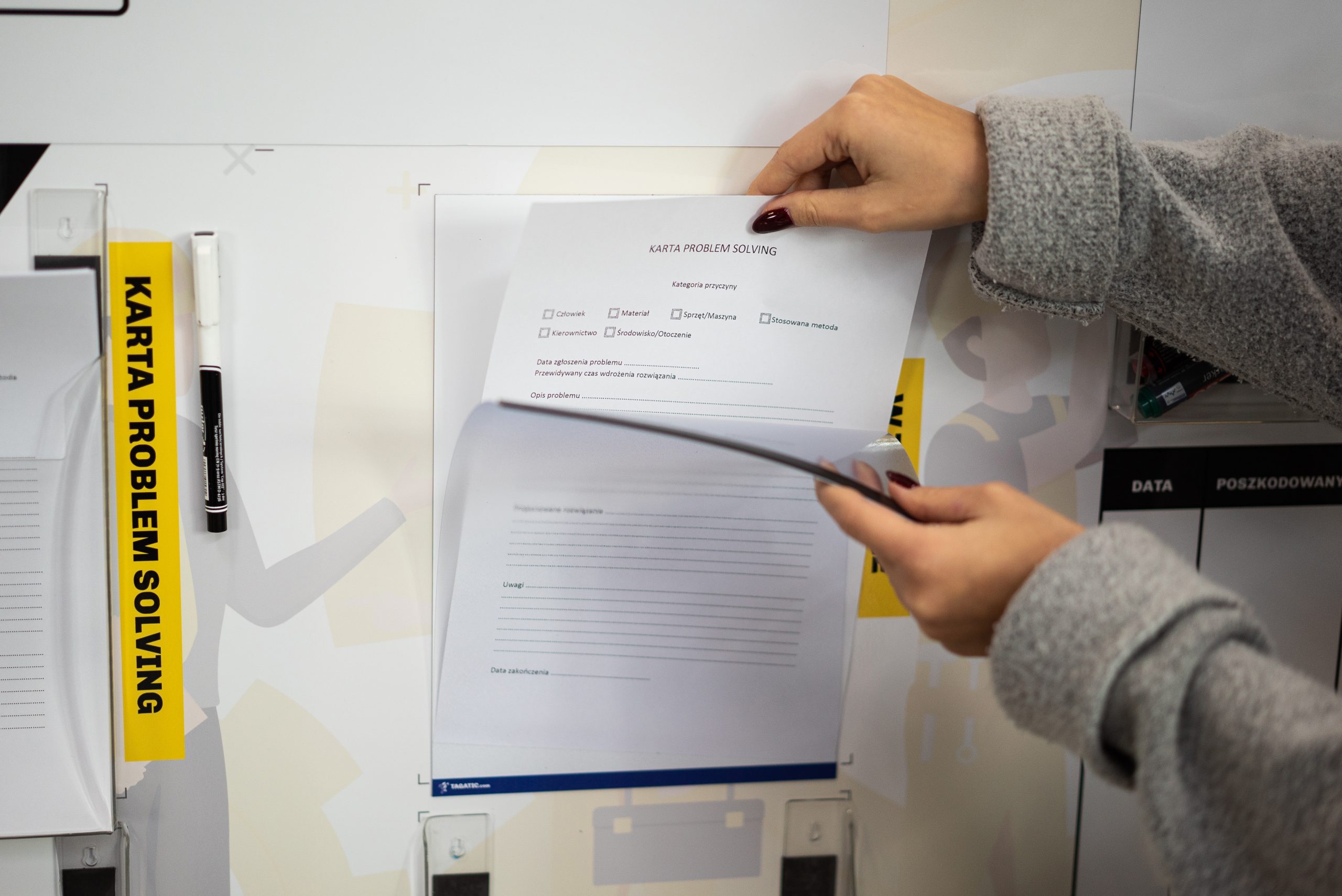
Dokumentum cseréje a keret eltávolítása nélkül. Nyissa ki a mágneszárat, vegye ki a régi lapot, tegyen be egy újat, és zárja be. Másodpercek alatt. Egy hagyományos behúzható keretet először le kell húzni a falról, ki kell húzni a dokumentumot felülről, be kell tenni az újat, majd vissza kell akasztani. Egy tucatnyi kerettel rendelkező táblánál az időbeli különbség észrevehetővé válik.
Vigye a dokumentumokat a kerettel együtt. Ha áthelyez egy állomást vagy átszervez egy sort, egyszerűen egyetlen mozdulattal leveheti a mágneses keretet. A dokumentumok a keretben maradnak, így nem esnek a földre.
Hagyjon üres keretet jelzésként. A táblán lévő üres keret üzenetet közvetít: egy dokumentumnak itt kellene lógnia, de nem ott van. Valaki elvitte, a verzió lejárt, frissítés van folyamatban. Ez a vizuális hiány azonnal észrevehető a munkaállomás áttekintésekor, anélkül, hogy bármilyen listát kellene megnézni.
Integrálja a táblatervezésbe. Olyan táblákat tervezünk, amelyeken kijelölt keretek vannak, ahová a dokumentumot közvetlenül a táblára nyomtatjuk. A keret pontosan az aláírásra illeszkedik, és tele állapotban eltakarja azt. Üres állapotban az aláírás az átlátszó anyagon keresztül látható. A rendszer öndokumentáló.
Mágneses és öntapadós változatok
A mágneses változat a tábla fém felületéhez tapad, és sokszor eltávolítható és áthelyezhető. Tökéletesen használható bárhol, ahol a dokumentumok munkaállomások között cserélődnek, vagy a tábla elrendezése változik.
Az öntapadós változat olyan felületekre való, ahol a mágnesek nem működnek: falak, gépházak, szekrények és üveg válaszfalak. A keret véglegesen a helyén marad, ezért érdemes gondosan megfontolni a helyét a felhelyezése előtt.
Színek és méretek
A keretek A4-es és A3-as méretben, fekvő és álló tájolásban is kaphatók . Nyolc standard szín létezik: sárga, kék, piros, sötétkék, zöld, sárga-fekete, fehér és fekete. A testreszabás a CMYK paletta bármely színében lehetséges .
A keret színe nem csak esztétikai szempontból fontos. A sárga egy aktuális utasítást, a piros egy frissítésre szoruló dokumentumot, a zöld pedig egy jóváhagyott eljárást jelölhet. Ha egy ilyen szabványt az egész létesítményben bevezetnek, a keret színét látó alkalmazott azonnal tudja a dokumentum állapotát, mielőtt még elolvasná. Ez az 5S értelmében vett szabványosítás, a negyedik lépés, amely önfenntartóvá teszi a rendszert.
Egy eszköz csak akkor működik, ha az emberek megértik
Egy keret elvégzi a dolgát, de nem helyettesíti annak megértését, hogy miért is létezik egyáltalán a szabvány. Azok az intézmények, amelyek az 5S eszközöket anélkül vezetik be, hogy betanítanák a csapatukat, gyakran ugyanazt az eredményt tapasztalják: néhány hónap múlva a keretek még mindig lógnak, de a bennük lévő dokumentumok összevissza állnak, a színek elvesztették jelentésüket, és a tábla visszatért korábbi állapotába.
A fenntartható 5S megvalósítás azzal kezdődik, hogy az emberek megértik az egyes lépések mögött rejlő logikát. Miért fontos a keret színe? Miért jel az üres keret, nem pedig normális állapot? Ezen a területen érdemes igénybe venni a szakemberek támogatását: A Leantrix az Ön üzemére szabott 5S képzést tart , valós folyamatok, nem pedig diavetítések alapján.
Amint a csapat megérti a rendszert, az eszközök önállóan elkezdenek működni.