
Competency board – what is it and how to implement it in the company?
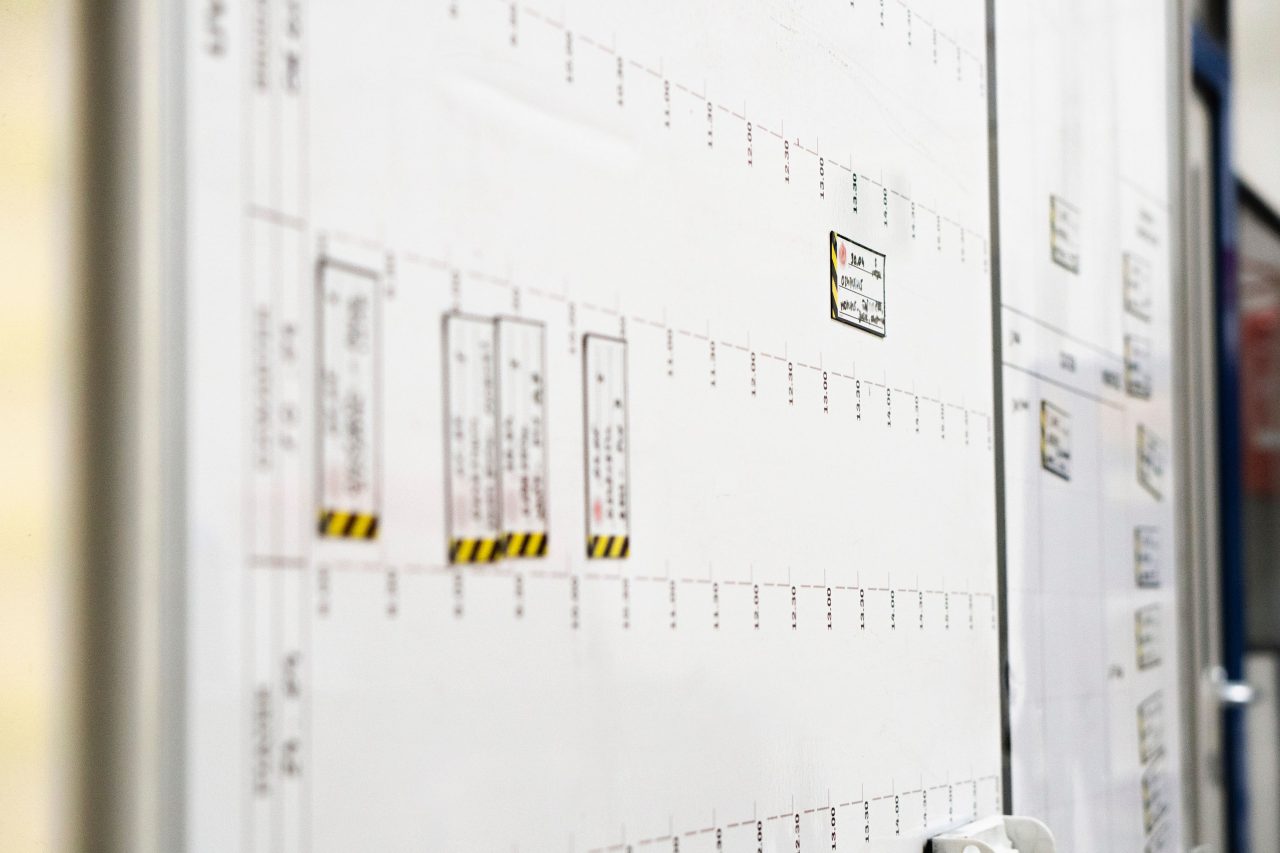
When a new person comes onto the floor, every shift manager has to keep track of what they can and can't do. Usually, that place is their own head. This works until the manager changes positions, gets sick, or simply forgets.
Team skills visible at first glance
A competency board is a tool that takes this knowledge out of your head and puts it in a place where everyone can see it.
What exactly is a competency board?
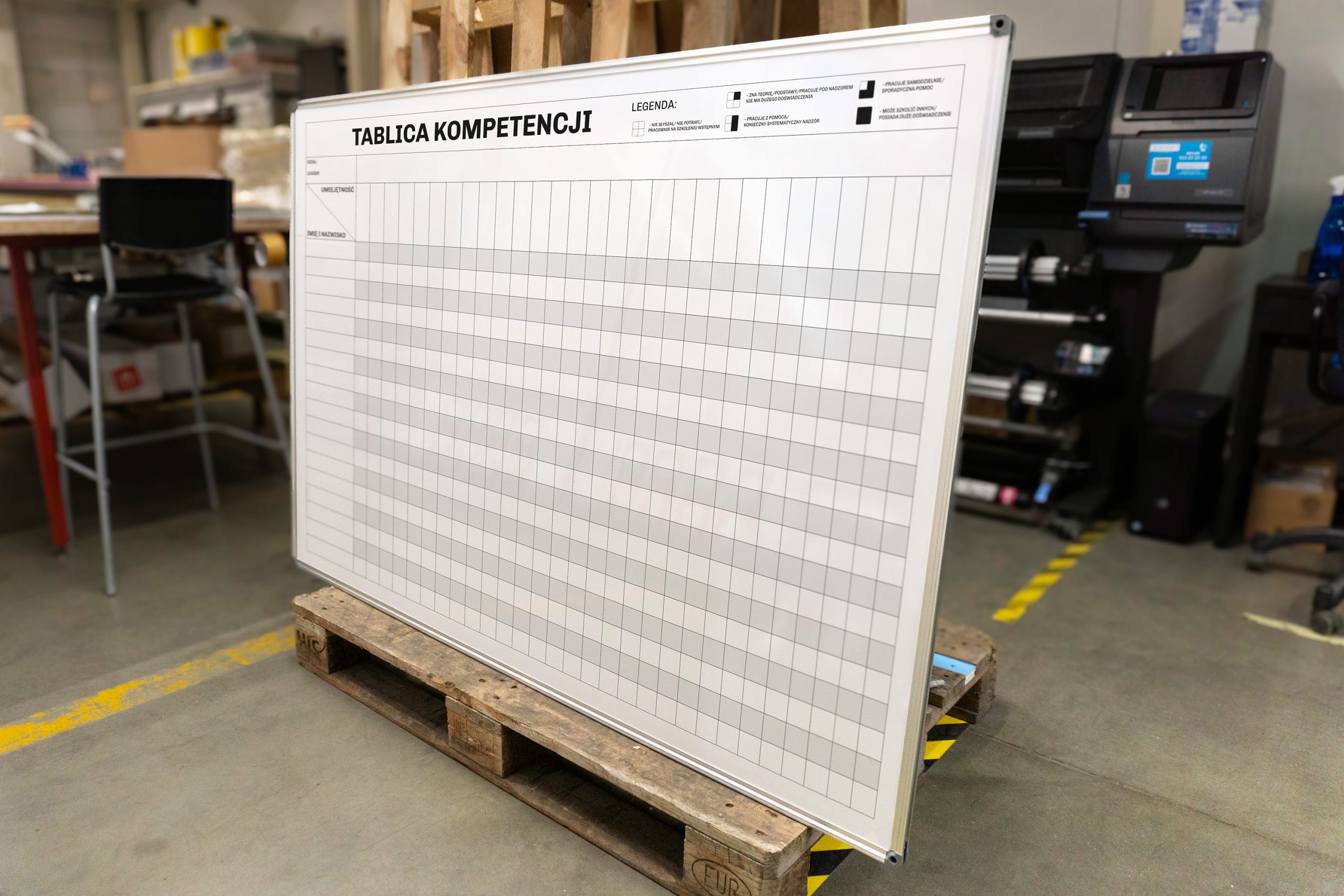
In its simplest form, it's a matrix: rows for employees, columns for positions or operations. At the intersection of each row and column, information about the competency level of a given person in a given position appears. Typically, four levels are used, indicated by color or symbol:
- employee undergoing training,
- an employee requiring supervision,
- independent worker,
- an employee who can teach others.
A well-designed dashboard tells a manager in seconds whether they have sufficient competency coverage on the line on a given day, who can replace an absentee, who is ready for promotion to instructor, and where there are gaps that need to be planned for.
What should a competency table contain?
It is worth considering the design of a competency board before it goes on the production floor, because a poorly designed one is worse than none at all, as it gives a false sense of order.
A few elements that should be included:
- The list of positions or operations must reflect the reality of the process. If there are five different operations on a single line, each requiring separate training, all five should appear as separate columns. Combining them into a single entry, "line operator X," leads to the table losing its diagnostic value.
- A competency assessment scale should be simple and unambiguous. Four levels is usually the maximum that works in practice. More levels sound precise, but in everyday use they introduce more disputes than value.
- The date of the last verification is an often overlooked, yet critical, element. A competency acquired two years ago and not verified since then is not the same as a new competency. The dashboard should clearly indicate this.
- The person responsible for updating, by name or position. Without this, the board quickly becomes a historical document.
How to implement a competency dashboard step by step?
Step 1: Define Jobs and Operations. Before designing the matrix, sit down with your leader and go through all the operations on the line. Which ones require specific training? Which ones have a critical impact on quality or safety? These questions define the matrix's columns.
Step 2: Define the rating scale and criteria for each level . "Independent" must mean the same thing to every leader on the floor. Ideally, each level should have a specific description: what the employee can do, what mistakes they no longer make, and whether they can work without supervision. Without this, the rating becomes subjective and the dashboard loses credibility.
Step 3: Conduct the first assessments. This is the most difficult step, as it requires time and honesty. Many companies discover that the actual level of competence on the shop floor is lower than expected. This is good news, not bad, because it allows them to plan actions before the problem manifests itself in the form of deficiencies or accidents.
Step 4: Place the board in a visible location . A competency board doesn't belong in a filing cabinet. It should hang near the line, in a place the leader naturally visits during briefings or shift handovers. Then, it becomes a daily management tool, not an audit document.
Step 5: Establish an Update Routine. A dashboard is only truly alive if someone regularly updates it. It's worth establishing a specific timeframe for this: the end of a new employee's probationary period, the completion of training for a new position, or a quarterly review. Without a routine, the dashboard becomes a historical artifact within a few months.
What does the Tagatic competency table look like?
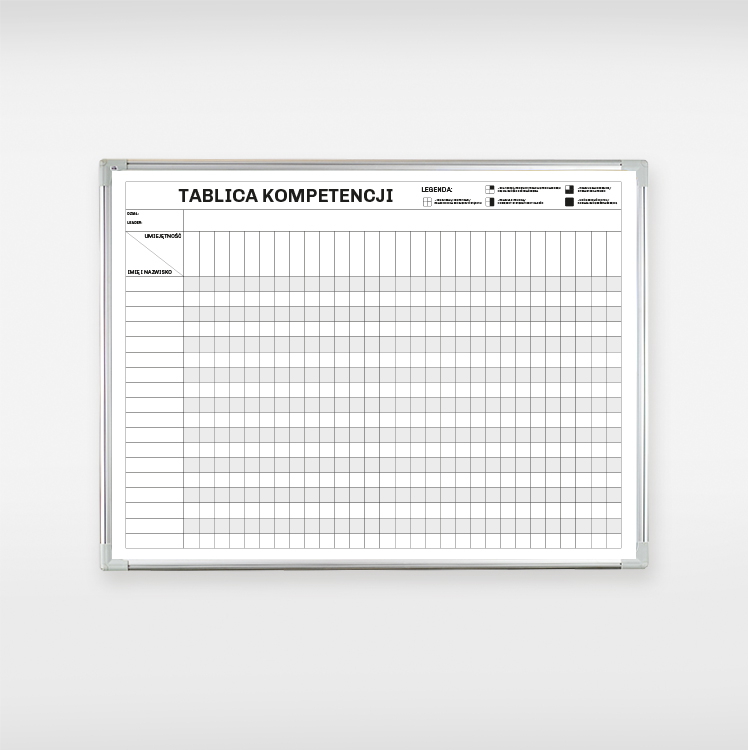
Our offer includes ready-made designsthat can be customized with markers and magnets. We also offer custom designs for specific processes and facilities.
The column layout, grading scale, colors, and company logo can all be personalized. The board is covered with dry-erase laminate, allowing you to update it with a marker without replacing the entire design.
The board is a tool, not a goal
The most common mistake when implementing a competency dashboard is that it becomes an end in itself. It's completed, posted, and checked off on an audit checklist. And then no one ever looks at it.
For the dashboard to truly work, it must be part of a broader process: training conducted methodically, for example, according to the TWI, provides data that appears on the dashboard. The dashboard, in turn, indicates what remains to be planned. One without the other is meaningless.
If you're wondering whether a competency board is right for your facility and what it should look like in your specific situation, we'd be happy to explore it together. Just start with a conversation.